Why Displays Fail in Handheld Detectors and Security Devices
Preventing readability, power, touch, and reliability problems before deployment
A handheld detector or security device can perform well throughout development and validation, but still encounter display-related problems once it reaches the field.
Usually, the display itself is not the real problem.
More often, issues come from a mismatch between the display technology and the conditions the device actually has to survive. Ambient light, battery limitations, environmental exposure, touch performance, and mechanical stress all have a way of exposing weaknesses that were not obvious during lab testing.
For portable devices, such as gas detectors, radiation monitors, security equipment, and inspection tools, the display selection is an important engineering decision. The display impacts power consumption, outdoor readability, and long-term reliability, making it a critical component of overall system performance.
Six common causes of display-related field failures
1. Poor Readability In Bright Ambient Light
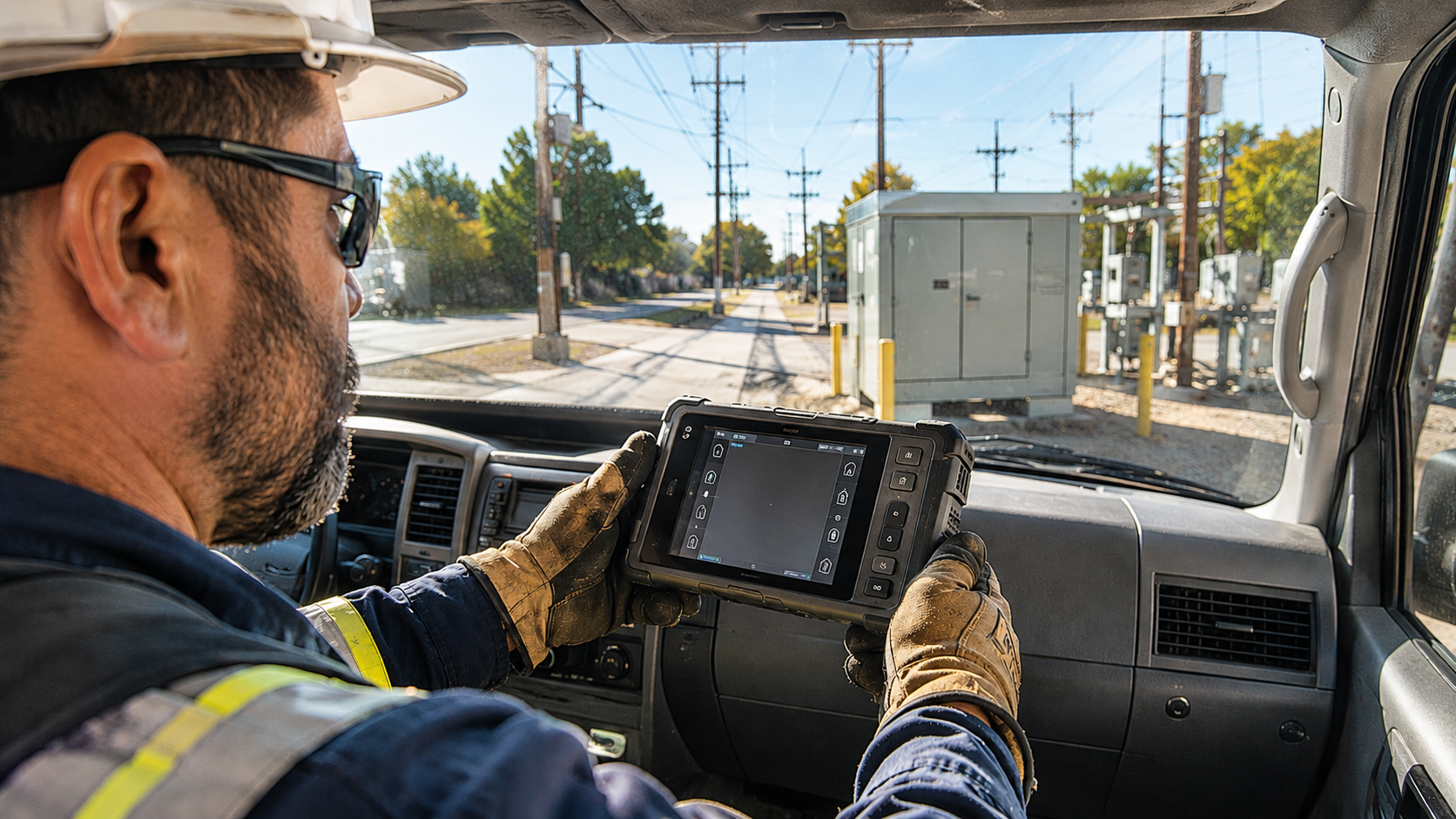
One of the most common field complaints is also one of the simplest:
"The screen is hard to read outside."
This shows up regularly in:
- Gas detectors
- Radiation monitors
- Security patrol devices
- Utility inspection equipment
- Environmental monitoring systems
A display that looks sharp under office lighting can become difficult or nearly impossible to read in direct sunlight. Brightness specs alone do not tell the whole story. In actual use, readability depends on several interacting factors, including:
- Reflectance and glare
- Contrast ratio under ambient light
- Viewing-angle performance
- Surface treatments and cover lens design
Instead of optimizing only for luminance, it is better to evaluate how the information will be viewed in the field.
Display requirements are often driven by the operating environment and how users interact with the device. A few practical questions to consider are:
- Will the device be used indoors, outdoors, or both?
- How often will operators be working in direct sunlight?
- Does the display need to communicate critical information at a glance?
- Will users typically view the screen head-on, or from a range of viewing angles?
The goal is not simply a brighter screen. The goal is dependable readability in real operating conditions.
2. Power Consumption Becomes a System Constraint
In portable detection and security equipment, battery life is usually one of the first constraints and one of the hardest to recover later.
The display subsystem can take a meaningful share of the power budget through:
- Backlight intensity
- Refresh rate
- Interface activity
- Touch controller operation
- The underlying display technology
In many designs, the display's impact on battery life does not become obvious until system integration, when the power budget is already tight, and major changes are expensive.
MIP displays can offer lower power consumption than conventional TFT displays. This makes them a strong option for battery-powered instruments where operating time is a key design consideration.
In portable, battery-powered devices, display power requirements are closely tied to overall system design. They can influence battery capacity, operating time, and enclosure size, particularly in space-constrained products.
3. Low Supply Voltage Can Look Like Display Failure
Many field reports describe behavior that appears to be a display defect but is really a power-integrity problem.
As battery voltage drops, or when transient loads hit the system, users may see:
- Flicker
- Lower brightness
- Slower updates
- Temporary freezing
- Touch that becomes intermittent or unresponsive
In those cases, the display may be functioning correctly while the power subsystem is no longer holding stable operating conditions.
For battery-powered instruments, you should check display behavior across the full operating range, including low-battery conditions and transient events.
A solid power architecture can eliminate a surprising number of "display problems" before they ever become field returns.
4. Touch That Works In The Lab May Fail In The Field
While capacitive touchscreens are common in modern handheld devices, you should still evaluate their performance under actual operating conditions. Factors such as rain, condensation, gloves, and surface contamination can affect touch accuracy and responsiveness in the field.
Moisture-related touch issues are a common consideration in portable equipment. Water droplets, condensation, and wet operating conditions can interfere with capacitive touch performance if the controller and firmware are not properly optimized for such environments.
Typical effects include:
- False touch activation
- Intermittent or inconsistent response
- Reduced touch sensitivity
- Data-entry difficulties
- Increased operator error rates
These issues are frequently encountered in field applications, including utility inspections, security operations, industrial maintenance, and emergency response.
Projected capacitive touch is still the right answer for many products. Still, resistive touch makes sense where glove operation and tolerance to contamination matter more than gesture support or sleek industrial design.
Touch performance testing should be conducted in representative operating conditions whenever possible. Performance in a controlled laboratory environment does not always predict performance in the field.
5. Environmental And Mechanical Stress Accumulate Over Time
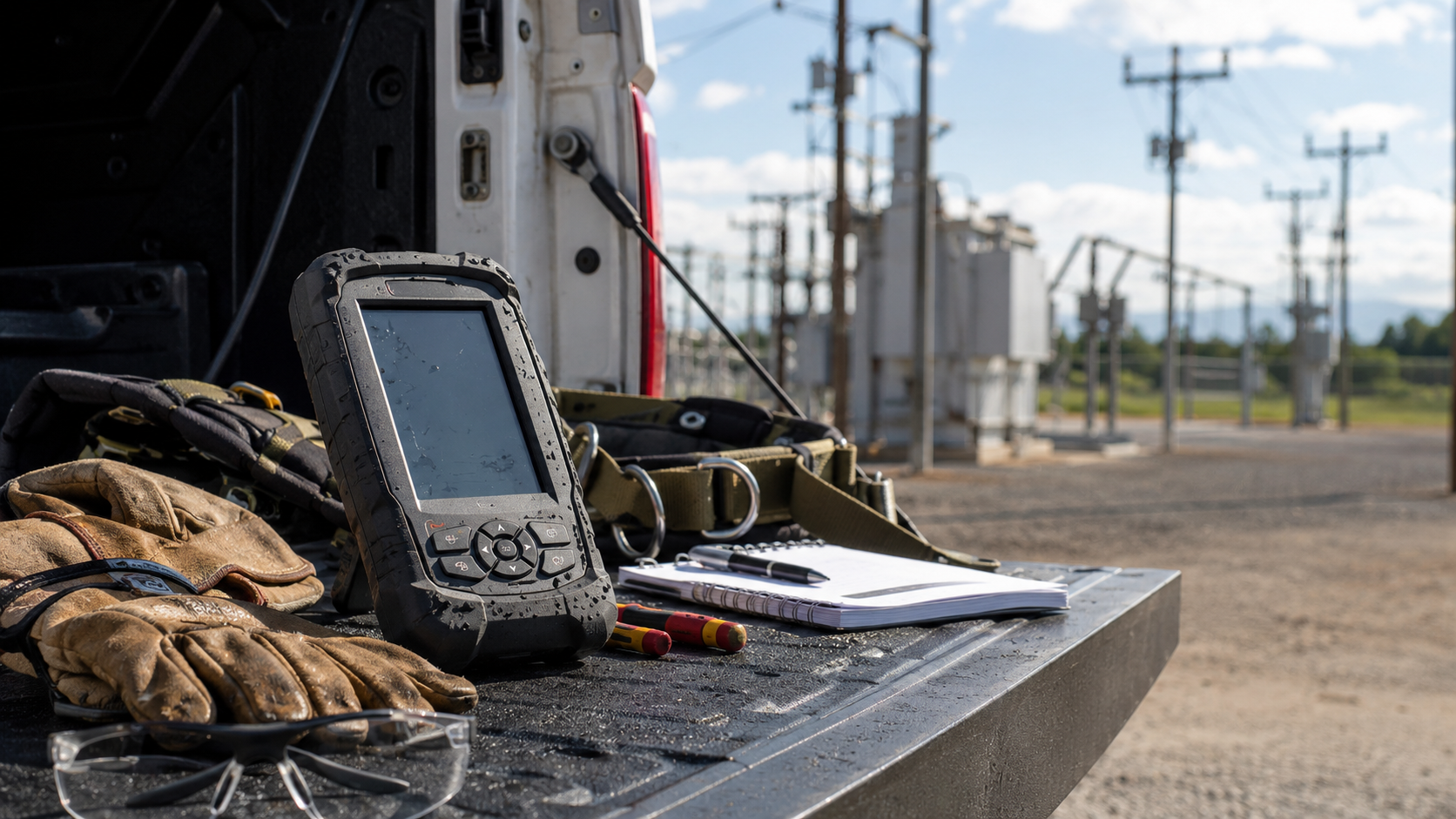
Unlike stationary equipment, handheld devices are subjected to continuous mechanical and environmental exposure. Daily handling, vibration, temperature extremes, moisture, sunlight, and accidental drops can all contribute to long-term wear on display assemblies and touch interfaces.
Common failure mechanisms include:
- Cracked cover lenses
- Touch-layer wear or degradation
- Seal failures
- Delamination
- Connector fatigue
- Declining optical performance
Many of these failures do not come from a single dramatic event. They build slowly through normal use.
UV Exposure
Long-term sunlight exposure can degrade optical films, polarizers, adhesives, and protective coatings.
That can eventually lead to:
- Reduced contrast
- Color shift
- Lower readability
- Premature cosmetic aging
Temperature Extremes
Handheld instruments are often expected to operate across a wide temperature range. Exposure to high temperatures, freezing conditions, or repeated temperature cycling can influence both display and touchscreen performance.
Common effects include changes in display response time, reduced contrast, and variations in touch sensitivity. These effects may be temporary during operation at temperature extremes, or, in some cases, contribute to long-term reliability concerns if the device is routinely exposed to harsh environments.
Chemical Exposure
Industrial and security applications may expose devices to:
- Solvents
- Harsh cleaning agents
- Decontamination chemicals
- Corrosive vapors
Over time, these can damage:
- Protective coatings
- Seals
- Touch sensors
- Cover lenses
Mechanical Stress Beyond Drop Testing
Drop testing gets plenty of attention during development, but many handheld devices spend most of their life:
- Clipped to belts
- Mounted on harnesses
- Carried in tool bags
- Secured to other equipment
That creates ongoing torsional and vibration stress that can gradually affect:
- Connectors
- Bonding materials
- Display mounts
- Touch assemblies
These failures often appear months or years after deployment, which makes them easy to miss unless you consider them early in the design process.
6. The Display Gets Blamed For Problems It Did Not Cause
Not every display problem is caused by the display. Symptoms such as incorrect readings, intermittent operation, delayed updates, or unresponsive screens may originate elsewhere in the system.
Potential causes include:
- Calibration errors
- Firmware defects
- Communication faults
- Sensor-related issues
- Power-management problems
- Configuration errors
Frozen values, incorrect readings, delayed updates, or false alarms may show up on the display, but the real failure may sit elsewhere in the signal chain.
Before replacing display hardware or reworking the interface, it is worth stepping back and checking the wider system architecture. In many cases, the display is only where the problem becomes visible.
Designing For Real-World Reliability
Successful handheld detectors and security devices are designed for the environments they will actually face, not just for passing lab validation.
Display performance depends on more than resolution, brightness, or what looks best on a datasheet. Readability, power efficiency, touch behavior, environmental durability, and system integration all play a role in long-term field performance.
Evaluating these factors early in the design process helps ensure that display performance aligns with real-world operating requirements and long-term reliability goals.
In many applications, the most successful display is not necessarily the one with the highest brightness, resolution, or feature count. It’s the one that continues to perform as expected under the environmental, mechanical, and operational conditions the product will encounter in service.