Why Is My Touchscreen Failing In The Field?
Touchscreen failures in the field are rarely caused by defective displays. They are usually the result of choosing the wrong touchscreen technology for the environment.
This article compares capacitive and resistive touchscreens, explaining why each fails in the field and how OEMs can select the right technology for industrial, outdoor, and rugged applications.
Capacitive vs. Resistive For Harsh Environments
Touchscreens make devices easier to use, and today, you can find them in almost every kind of display.
However, in challenging or unpredictable environments, choosing the wrong touchscreen can lead to problems. It can slow you down, frustrate your team, or even force you to reconsider your product design.
Have customers ever said, “The screen doesn’t respond?” Or have field technicians reported that the interface sometimes freezes? If so, you know that choosing the right touchscreen technology is just as important as picking the display itself.
Capacitive screens are not always the best option, and resistive screens are not necessarily outdated. The environment where you use your device should guide your decision.
Let’s take a closer look.
Why Touchscreens Fail In The Field
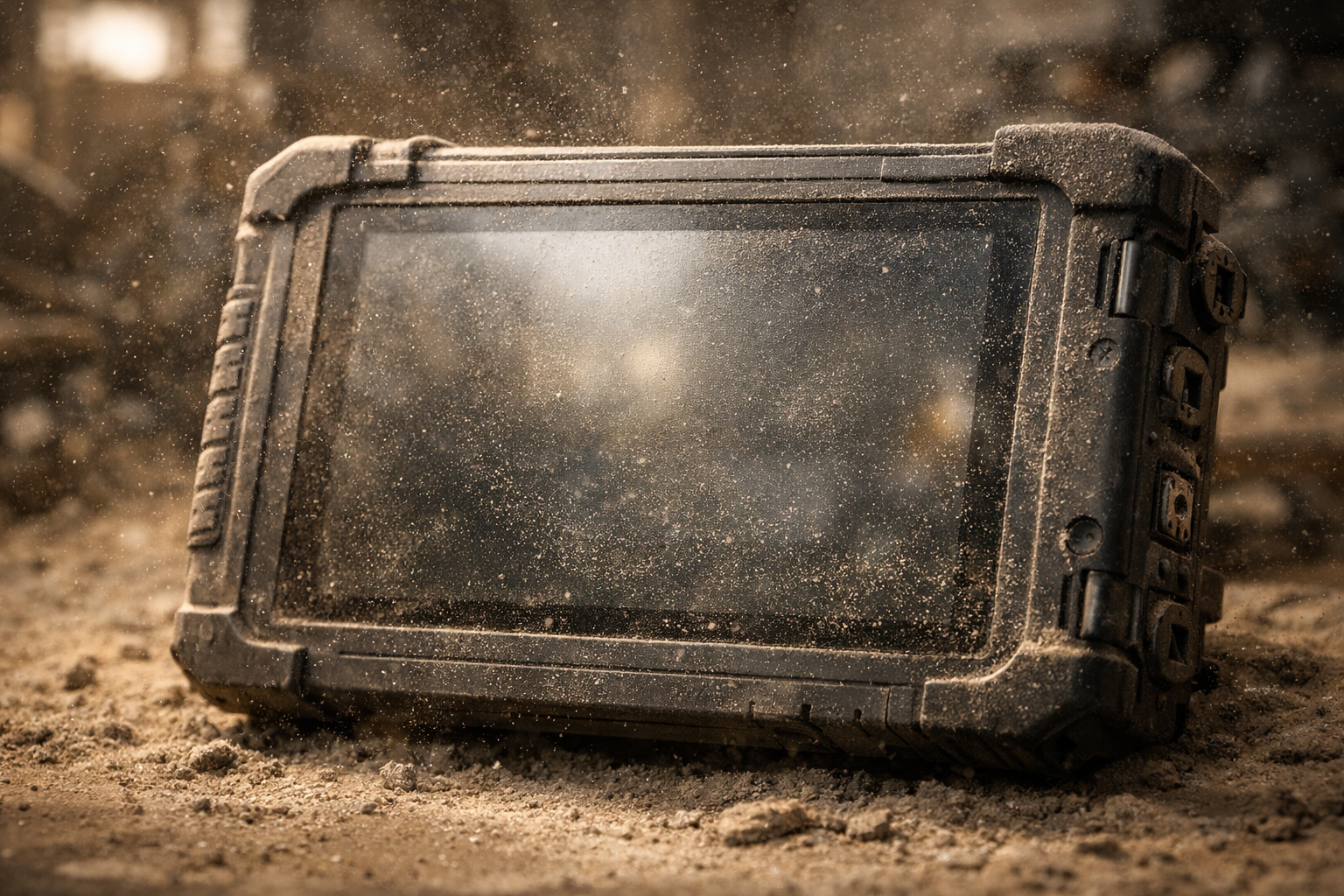
Both capacitive and resistive touchscreens can run into issues in the field. This can happen in industrial, security, smart home, HVAC, medical, and handheld devices.
Here are some common reasons for touchscreen failures in the field.
Moisture, rain, humidity, or condensation
- Capacitive sensors register water as touch.
- Resistive screens degrade if water enters the layers.
Gloved operation
- If someone is wearing thick gloves, they will need to press harder on resistive screens.
- Most gloves block capacitive touch interaction.
Dust, oil, dirt, and debris
- Resistive screens degrade more quickly.
- Capacitive screens can misread touches when debris or oil is on the surface.
Cold temperatures
- Cold fingers reduce capacitive conductivity.
- Cold temperatures can cause resistive touch to freeze.
Vibration or impact
- Capacitive glass can crack.
- Resistive screens can lose lamination or calibration.
Next, let’s compare these two types of touchscreen technologies.
Capacitive vs. Resistive: What’s The Difference?
Capacitive Touchscreens
How they work:
A capacitive touchscreen senses the electrical charge in your finger, so it works without needing a special stylus or extra pressure. Its surface is coated with a clear, conductive material that creates a small electric field over the glass.
Strengths:
- Excellent optical clarity
- Hard glass surface resists scratches
- Highly responsive, fast, and intuitive
Weaknesses in harsh environments:
- Most gloves hinder efficiency
- Water, condensation, or mist can cause false touches
- Vulnerable to cracking from impact or vibration
- Oil, dust, and grime interfere with detection
- Mechanical vibration can slightly flex the cover glass or sensor layers, resulting in false touches (ghost touching)
- Vibration can also cause damage to the FPC connection if the design isn’t robust to vibration.
- Requires stable power, making it less ideal for ultra-low-power devices
Perfect for:
- Smart home control panels
- Medical devices
- Indoor touchscreen interfaces with stable conditions
- Consumer applications
Can low-power / battery devices use capacitive touch?
Yes, it’s a prevalent technology today.
Examples:
- Wearables, Smart thermostats, Handheld instruments, Medical devices, and Battery-powered HMIs.
Resistive Touchscreens
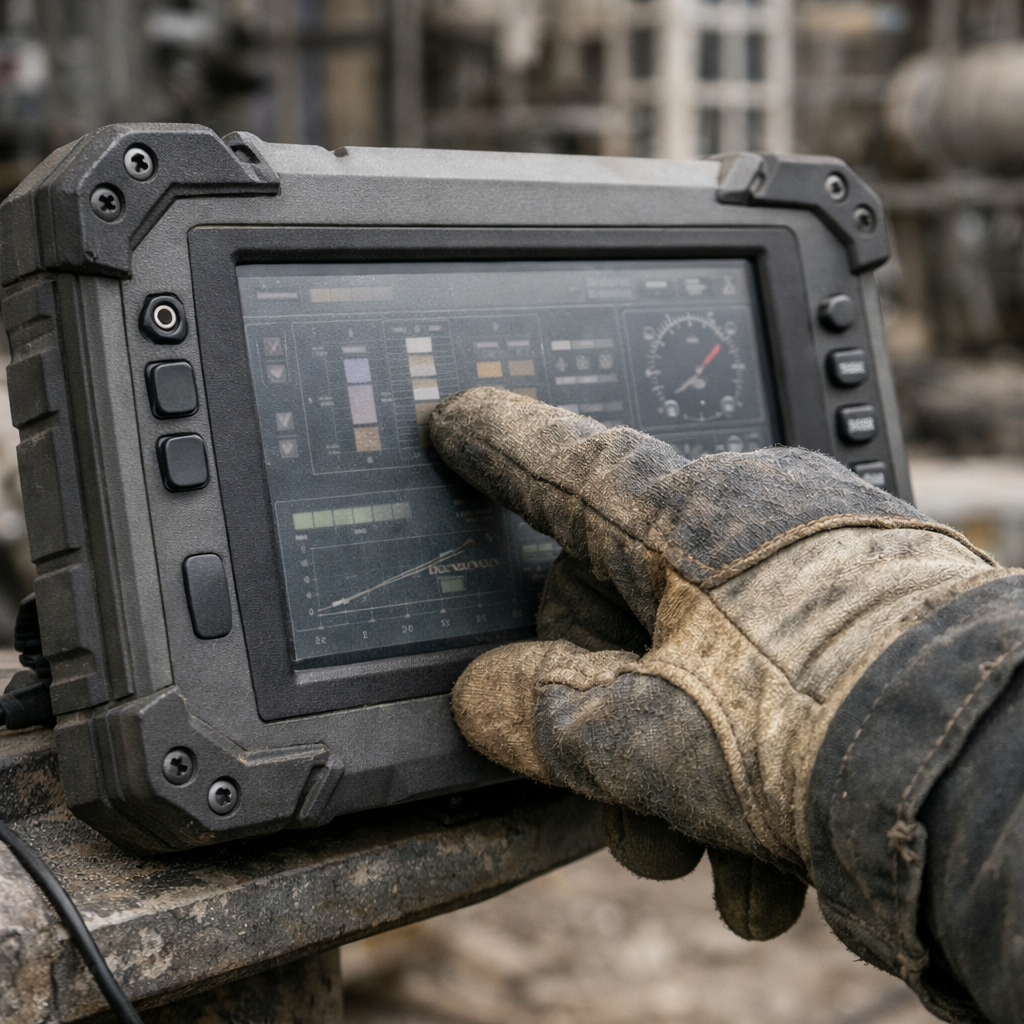
How they work:
A resistive screen responds to pressure, so it works with your finger, a stylus, or a glove, though it needs a firmer touch. The screen has two thin, transparent layers separated by a small gap. Both layers have a special resistive coating. When you press the screen, the top layer contacts the bottom layer.
Strengths:
- Works with gloves, even thick industrial gloves
- Works with a stylus, pen, tools, or fingernails
- Can tolerate dirt, grease, and dust
- No accidental touches from rain or liquids
- Lower cost
Weaknesses in harsh environments:
- Not ideal for multi-touch or gesture-heavy interfaces
- The plastic surface can be scratched without proper protection
- Slightly lower sensitivity if poorly calibrated
- Lower optical clarity than capacitive
Perfect for:
- Factories and industrial machinery
- HVAC and environmental monitoring systems
- Security and law-enforcement handheld devices
- Detectors and meters
- Environments with gloves, rain, dust, grease, or extreme temperatures
Why Capacitive May Not Be Your Best Choice
You might choose capacitive screens for your new devices because you want the latest display technology. But soon, complaints from the field may start coming in:
- Touchscreen freezes in cold weather
- Your users can’t activate the display with gloves
- If it starts raining, the display registers it as touches
- Dust collects on the surface and causes erratic behavior
- High-brightness sunlight plus a glass surface leads to poor readability
Your engineering team immediately jumps to the conclusion that:
- The display is defective
- The controller IC is faulty
- The firmware needs recalibration.
But the real problem is simple: the touchscreen technology doesn’t match the environment.
Sometimes Resistive Outperforms Capacitive
Many OEMs believe resistive screens are outdated, but the technology has improved.
Modern, high-quality resistive touch panels can be:
- Anti-scratch and anti-glare
- Chemically strengthened
- Optimized for glove and stylus use
- Integrated seamlessly with rugged housings
- Temperature tolerant
Resistive is still the winner in environments with:
- Dust
- Water
- Oils
- Outdoor glare
- Vibrations
- Gloves
- Battery constraints
Resistive screens perform better in specific environments, which is why they are found in industrial, security, and field equipment where reliability matters most.
Which Should You Choose? Capacitive or Resistive?
You might want to choose capacitive if:
- The device will be used indoors or in clean environments
- Optical clarity is critical
- You need a smartphone-like interface
Resistive might be a better choice if:
- The device will be used outdoors or in harsh environments
- Gloves are part of everyday operation
- Dust, dirt, oil, chemicals, or water are common
- Precision input matters
- Lower power consumption is important
In many industrial and security applications, resistive technology remains the most reliable.
Consulting with an experienced LCD manufacturer to help you define your needs and operating environment is the best way to eliminate in-field failures.